

Never tag photos manually again.
VisionTagger uses on-device AI to generate titles, descriptions, keywords, and more for your images — in bulk, with no uploads and no per-image fees.
Requires Apple Silicon Mac with macOS 26
Who is VisionTagger for?
-
Designers searching across project assets — tag images by mood, style, subject, and usage to make your asset library instantly searchable.
-
Researchers and archivists preserving collections — create structured, consistent metadata for datasets, records, and long-term digital preservation.
Smarter results with context you already have
Tell the AI what it’s looking at and the results get dramatically better. Add a Context Hint like “product photos for a vintage furniture store,” turn on GPS Location to include place names from embedded coordinates, or pass along camera and editorial metadata already in your files. Each source is optional and feeds directly into the prompt — so the AI doesn’t have to guess.
Generate exactly the metadata you need
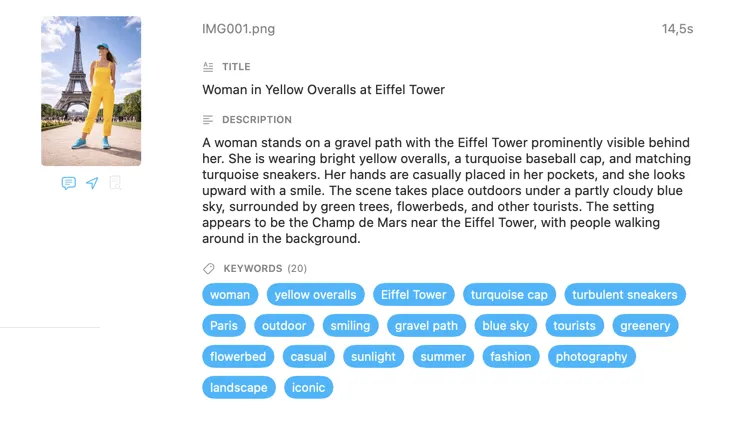
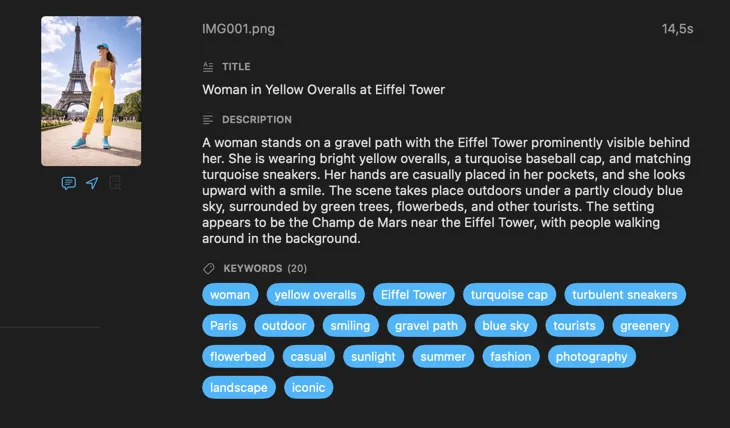
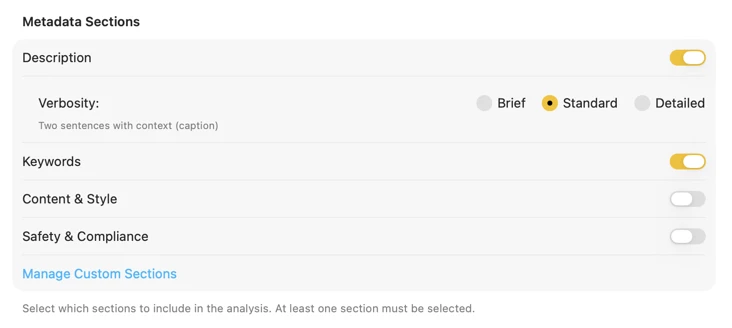
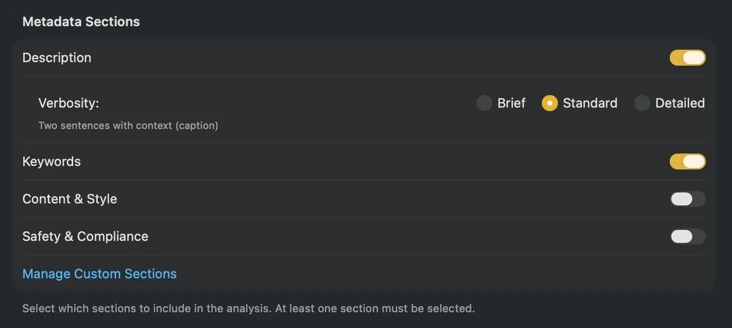
Start with the fields most people need — Title, Description, and Keywords — then go further with Content & Style, Safety & Compliance, or add entirely custom sections with your own fields and prompts. Need output in another language? VisionTagger can automatically translate generated metadata using macOS built-in Translation. The result is structured, consistent metadata across thousands of photos.
Fits right into your workflow
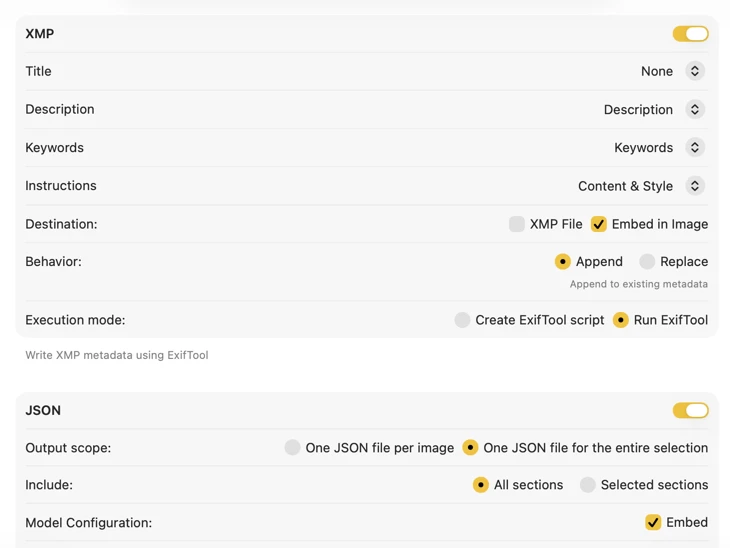
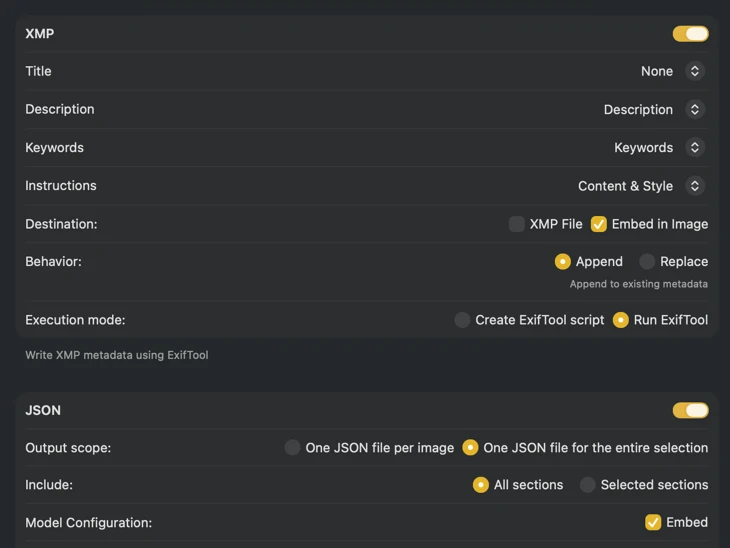
For XMP sidecars and embedded metadata, VisionTagger integrates with ExifTool — an industry-standard, widely trusted utility. Your metadata will appear in apps like Adobe Lightroom, Bridge, Capture One, Photo Mechanic, and any other software that reads XMP. Write back to your Photos Library, export JSON, CSV or TXT per image, or generate a single file for an entire run. Add Finder tags for fast organization in macOS. Select multiple outputs at once and configure them together — so one generation pass can feed every destination you use.
Automate it and forget about it
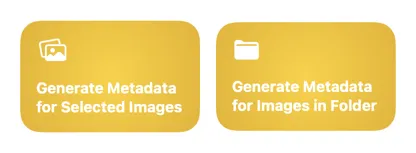
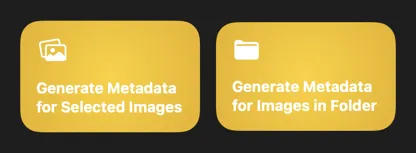
Two Shortcuts actions — one for files in Finder, one for your Photos Library — let you run the full process in the background without opening the app. Set up a folder automation, a Finder Quick Action, or trigger it from the command line. Use the app’s current settings or supply a saved preset for reproducible results every time.
How it works
Watch demo on YouTube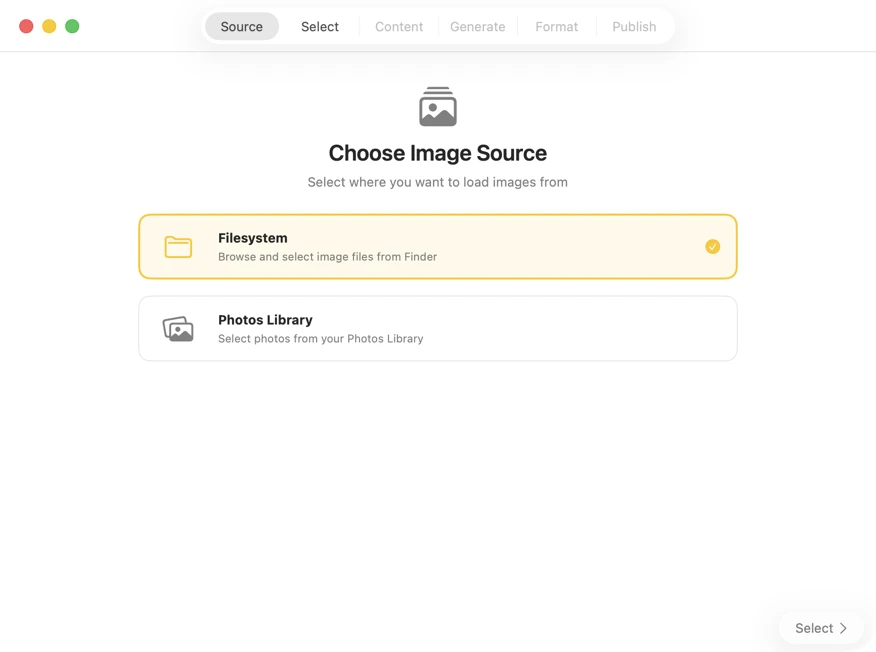
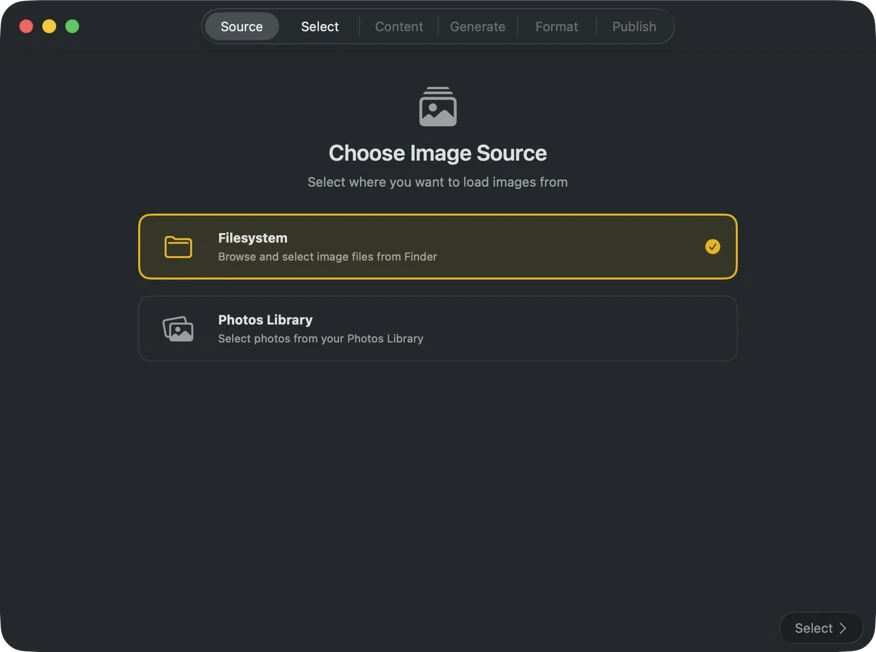
Choose where your images are stored — folders on your Mac or your Photos Library.
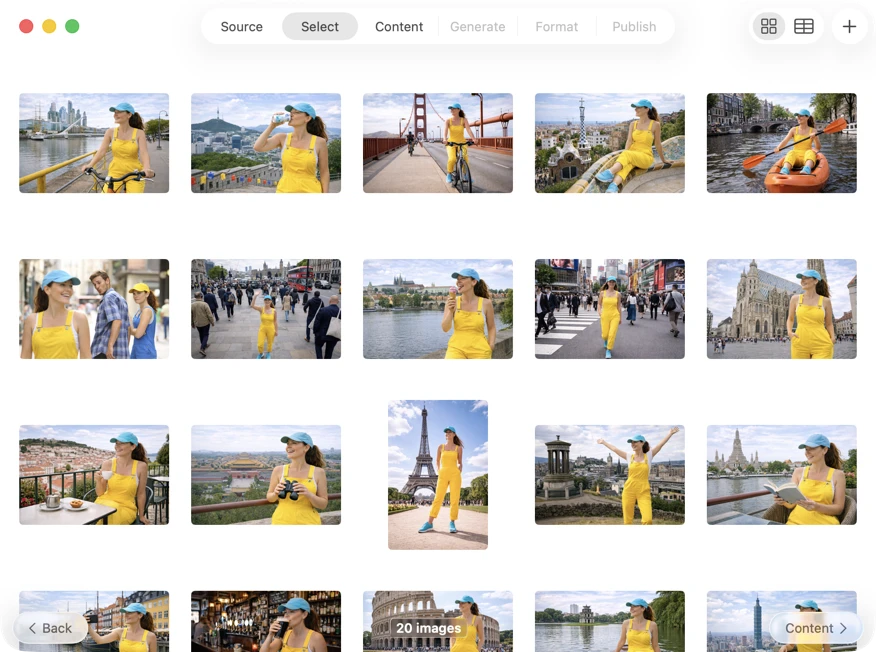
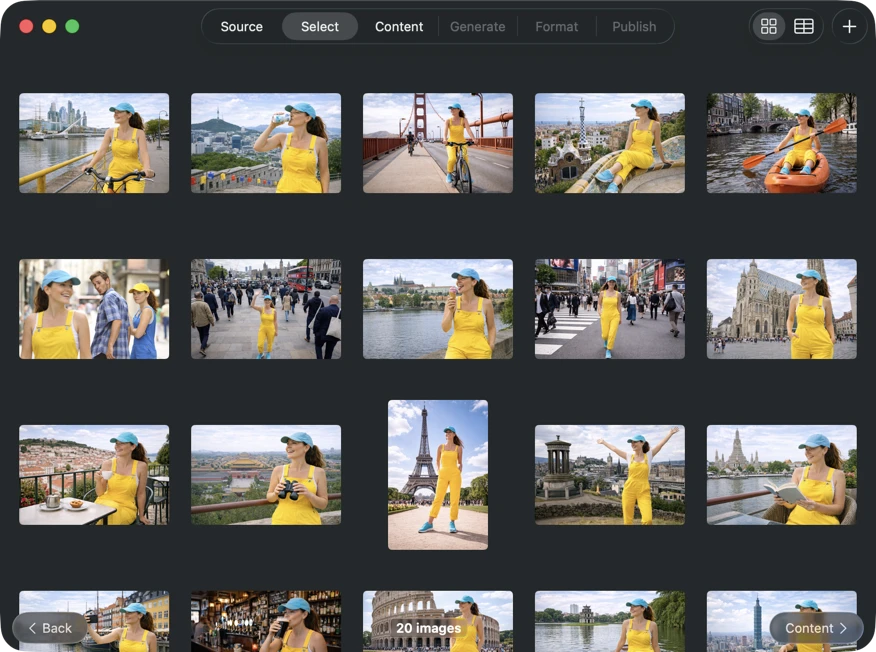
Pick exactly what you want to process. Browse your selection in a grid or table view, add more images via the add button, or drag and drop files into the app to build a batch.
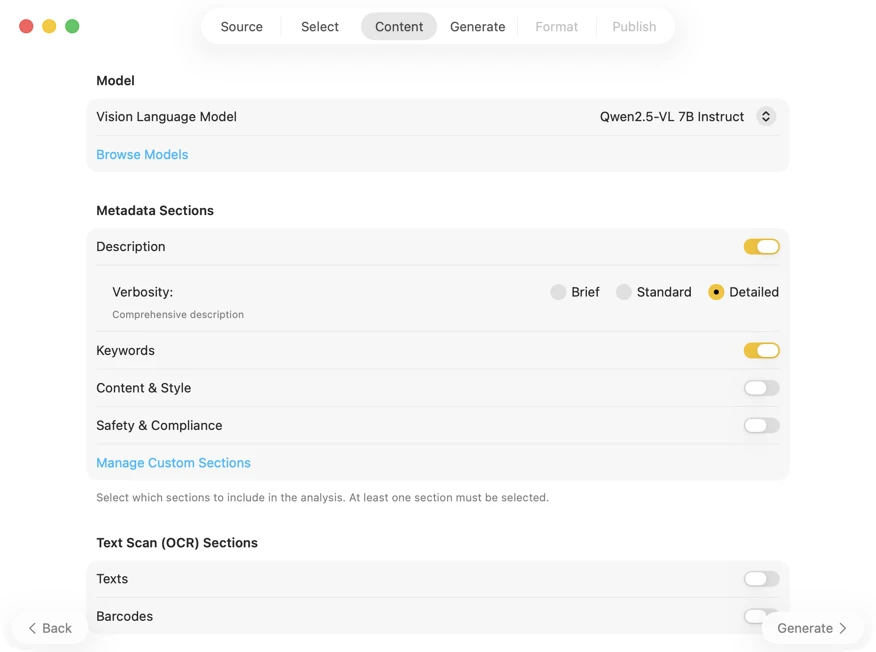
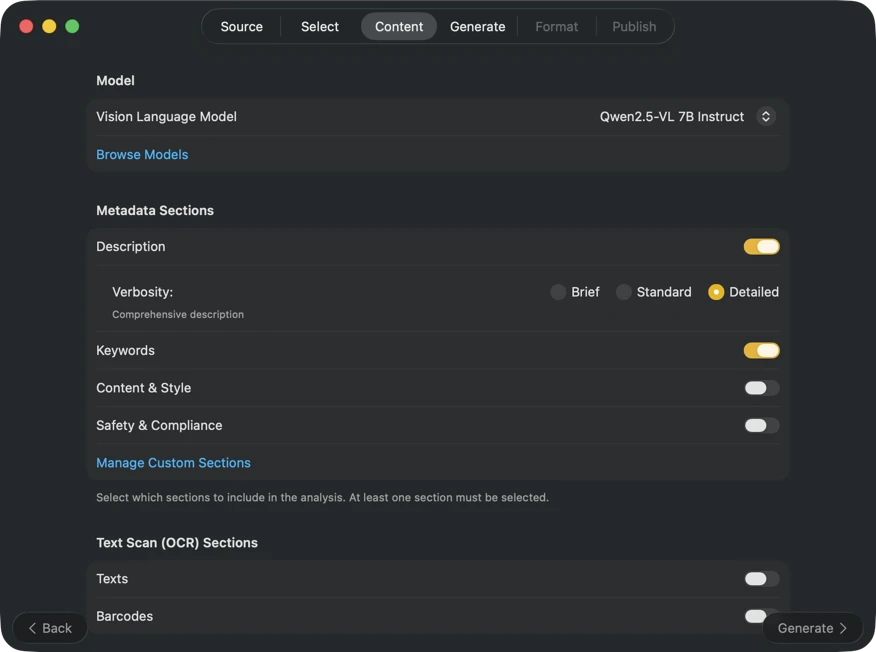
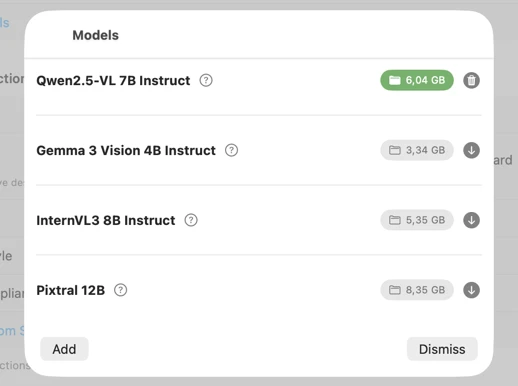
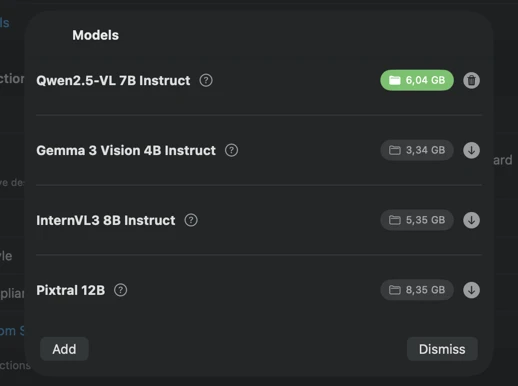
Pick an AI model (download one in-app with a click) and choose what metadata to generate: titles, descriptions, keywords, style tags, safety ratings, or your own custom fields.
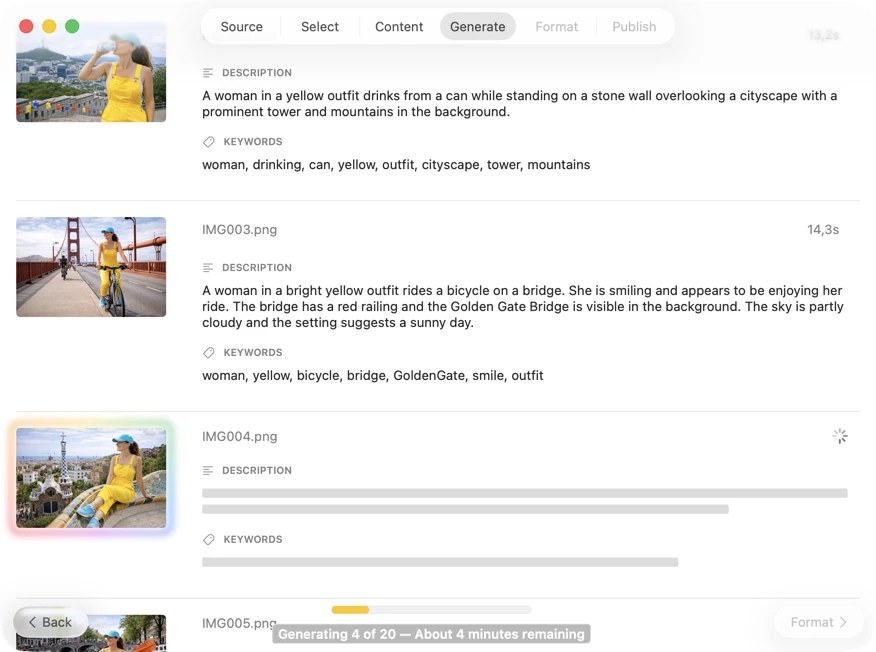
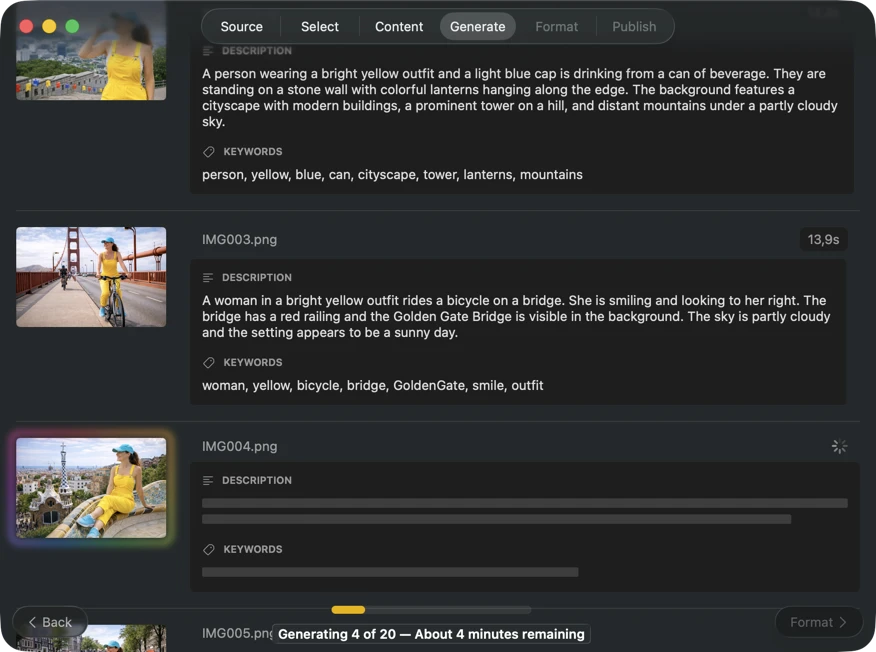
Watch results appear in real time. VisionTagger processes images locally and streams generated metadata into a scrolling list as soon as each item is ready, so you can review and edit outputs while the batch continues.
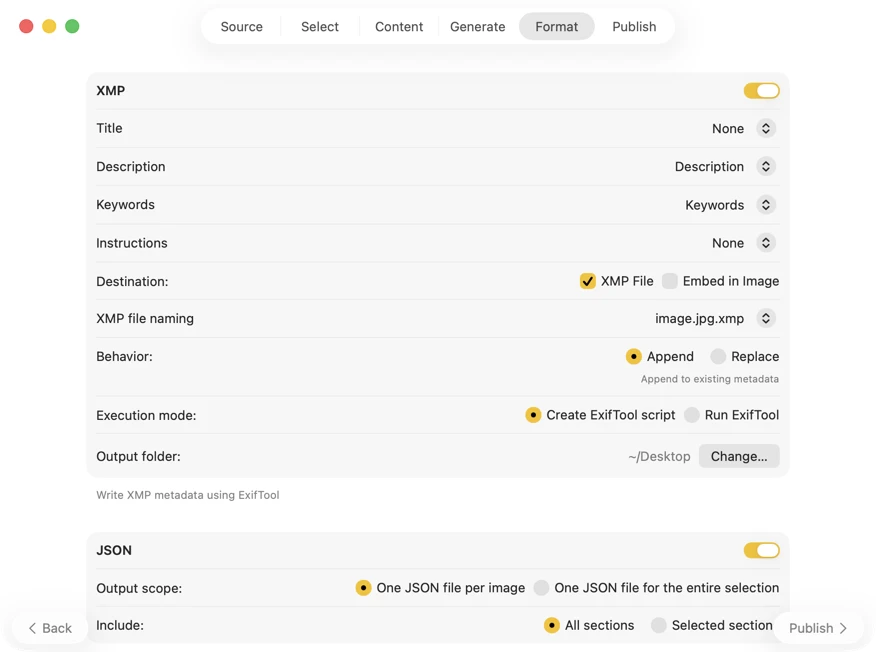
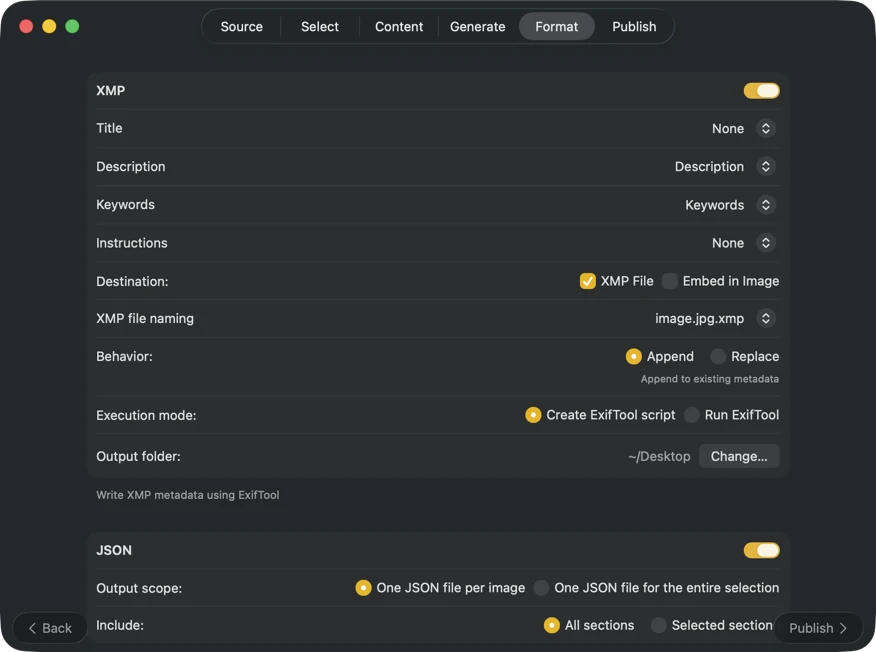
Choose where metadata goes: XMP sidecars for your photo catalog, JSON or CSV for your website pipeline, Finder tags, or write back to Photos. Select multiple outputs at once.
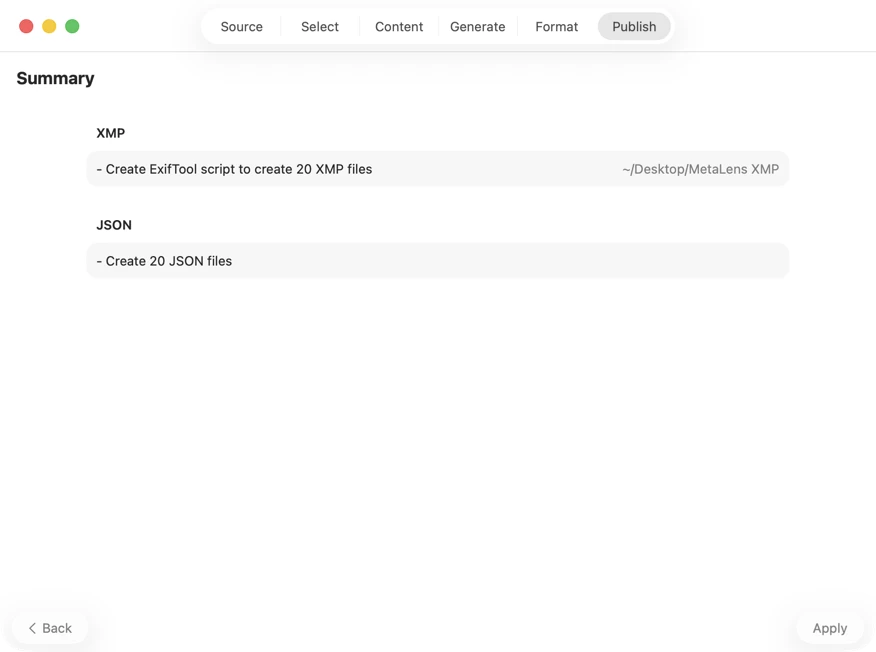
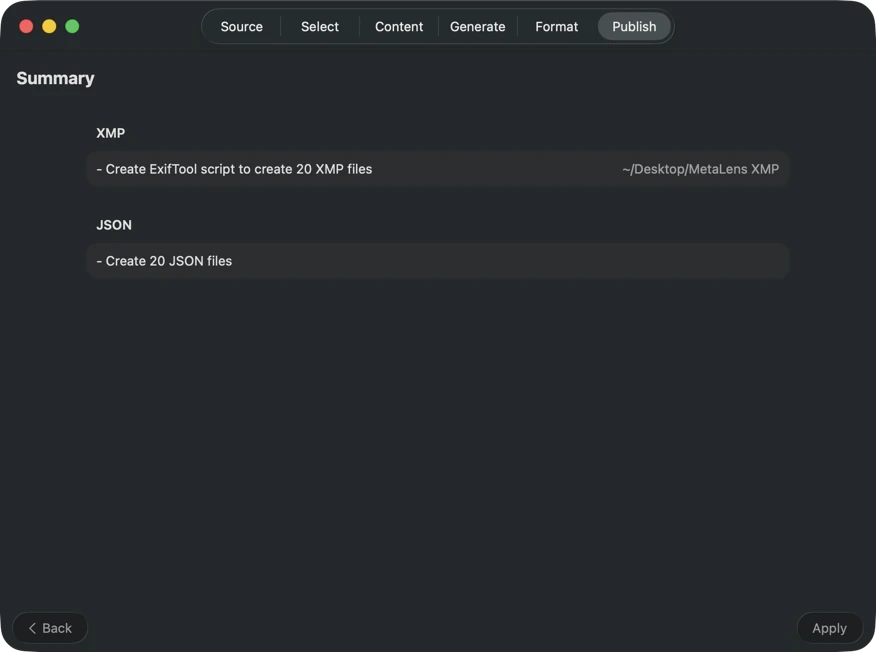
Confirm before anything is written. Review a clear summary of all actions that will be executed, including warnings when existing files or metadata may be overwritten — then publish to apply your selected outputs with confidence.
One-Time Purchase
VAT included (except US & CA)
Secure payment via FastSpring